
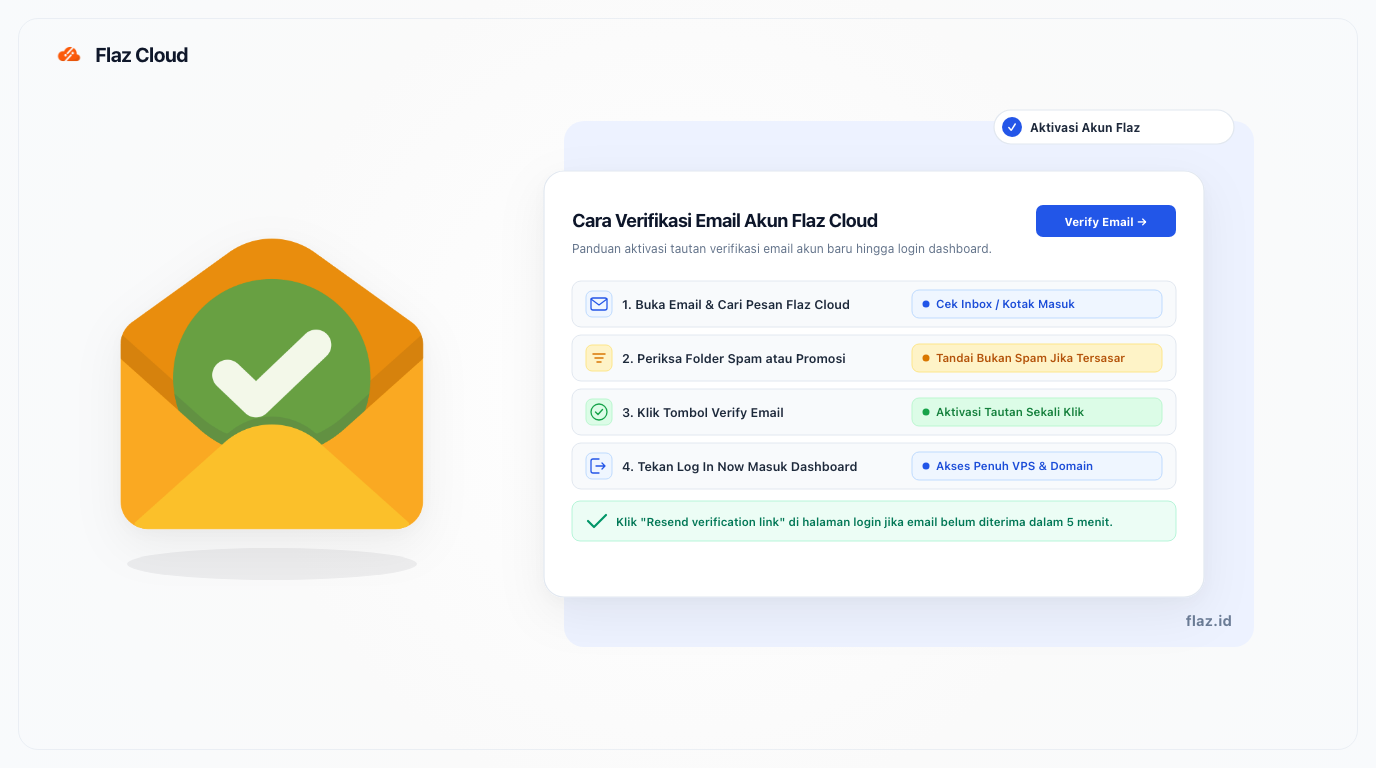
Email verification is a mandatory step after registering on Flaz Cloud. Learn the easy way to find your verification email and activate your account to start using the service.
Here is a step-by-step guide to verify your email on Flaz Cloud so your account becomes active and ready to use.
After you fill out the account registration form, there is usually one small step that is often overlooked: email verification. This step is very important because without verification you cannot log into the system or purchase services like VPS and domains that you need.
We want to ensure that this process runs smoothly so you can immediately focus on managing your server or website. Please follow the guide below to activate your account.
Finding the Verification Message in Your Inbox
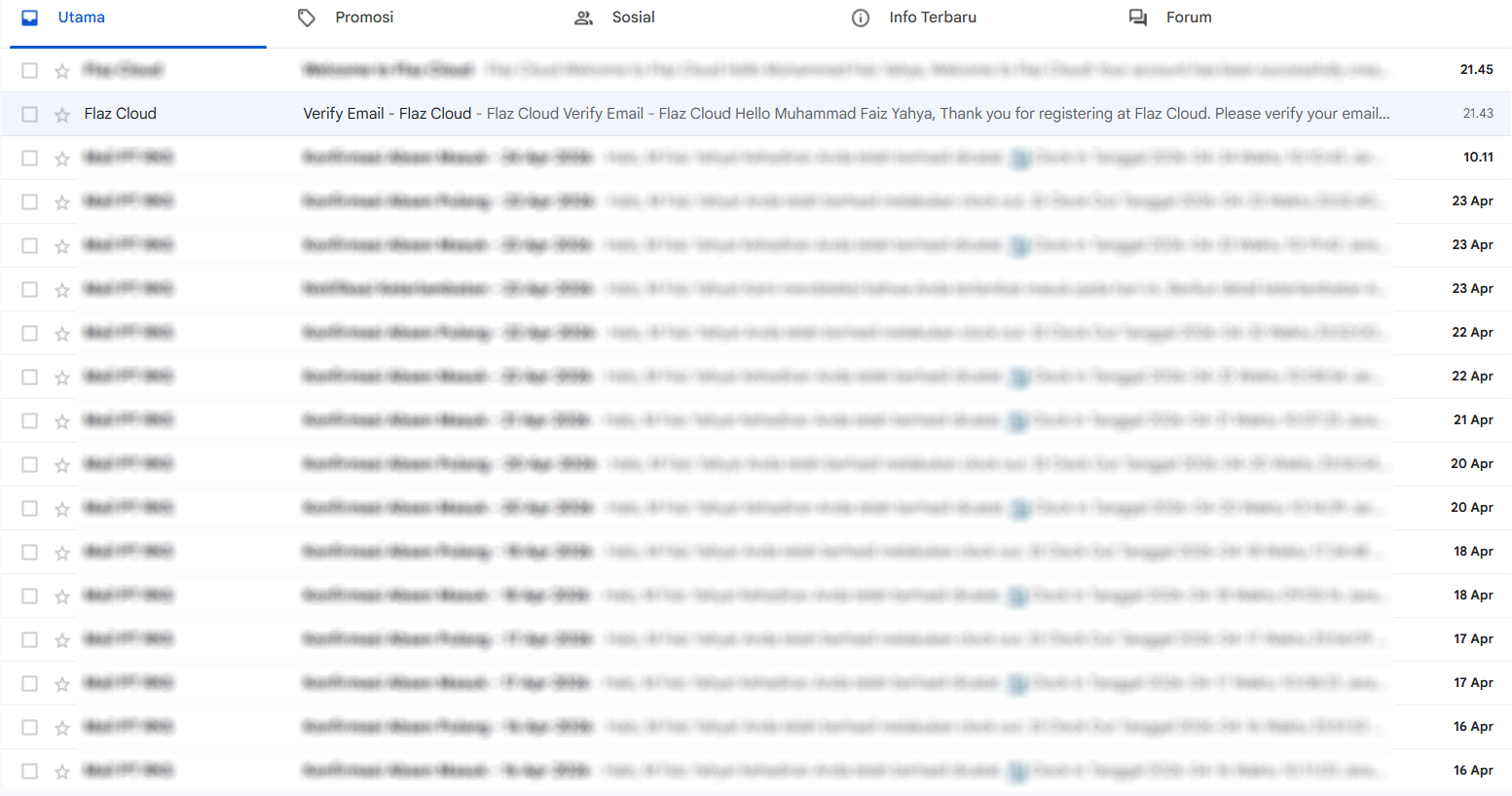
Immediately after you press the register button, our system will send an automatic message to the email address you entered. Please open your email application or access it through a browser and look for a message with a verification subject from Flaz Cloud.
Usually this message will appear at the top of the list within seconds. If you feel you have waited more than two minutes but there are no signs of a message arriving, do not rush to close your registration page.
Checking Spam or Promotions Folder
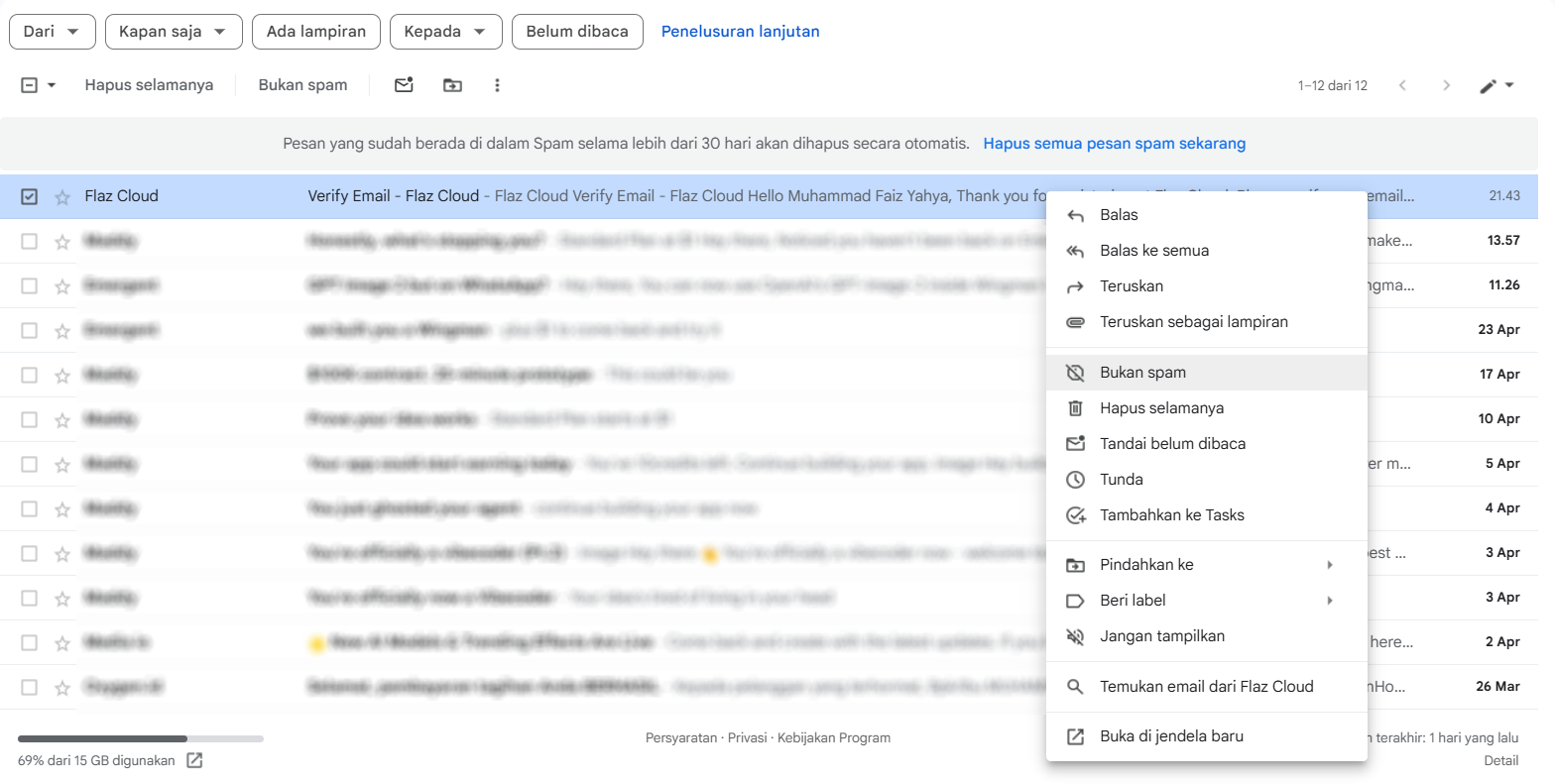
Sometimes some email service providers have very strict rules in filtering automatic messages. If the message is not in your main inbox, please check your Spam folder or Promotions folder.
Many users often miss this part even though verification emails often end up there. If you find it in the spam folder, mark the message as not spam so that billing notifications or server information can go directly to your main inbox in the future.
Clicking the Email Verification Button
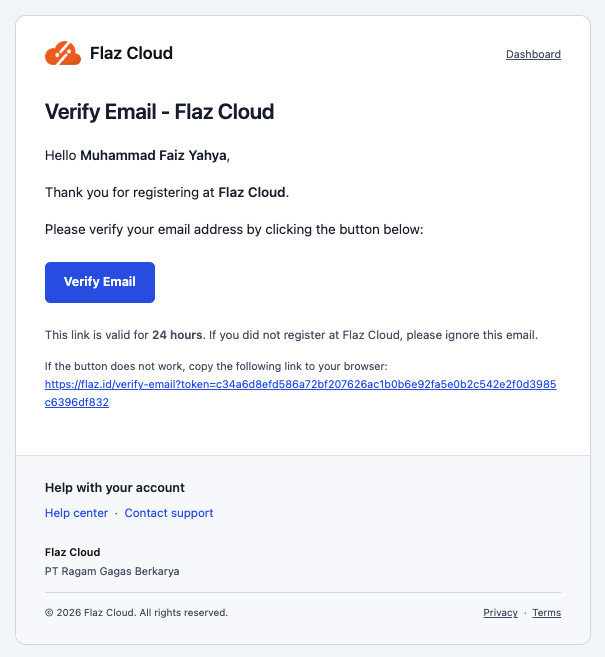
Open the email content and you will see a colored button that says Verify Email. Please click that button. You will be directed to a new page on our website stating that the verification process has been completed successfully.
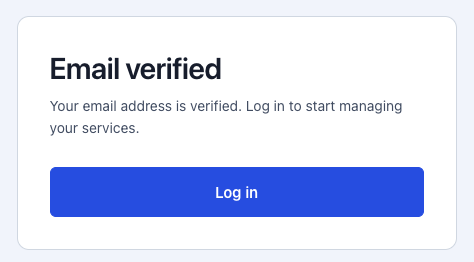
This process is intended to ensure that the email you use is indeed valid and active. That way you can receive security reports or important notifications about your service smoothly in the future.
Return to the Login Page
After the Email Verified message appears on your screen, it means your account is ready to use fully. You can now click the Log In Now button to return to the login page.
Enter the email address and password you created during your first registration. Now you have full access to the dashboard to choose a VPS package or register a new domain name for your project.
Important Note
If you cannot find the verification email at all or the link has expired, you can try resending the verification email through the login page. After entering your email and password, a notification will appear saying "Email not yet verified. Resend verification link".
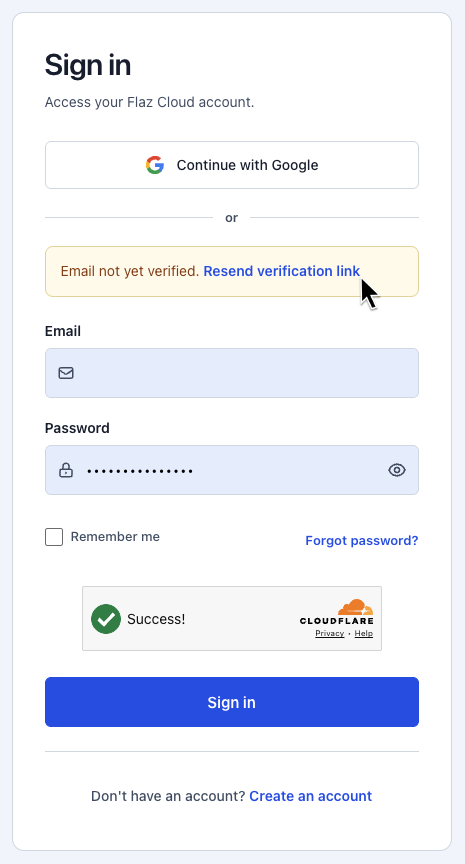
Please click "Resend verification link" to resend the verification email. Also make sure there are no typos in the registered email address because even one letter error will prevent our email from reaching your email.
Was this article helpful?