
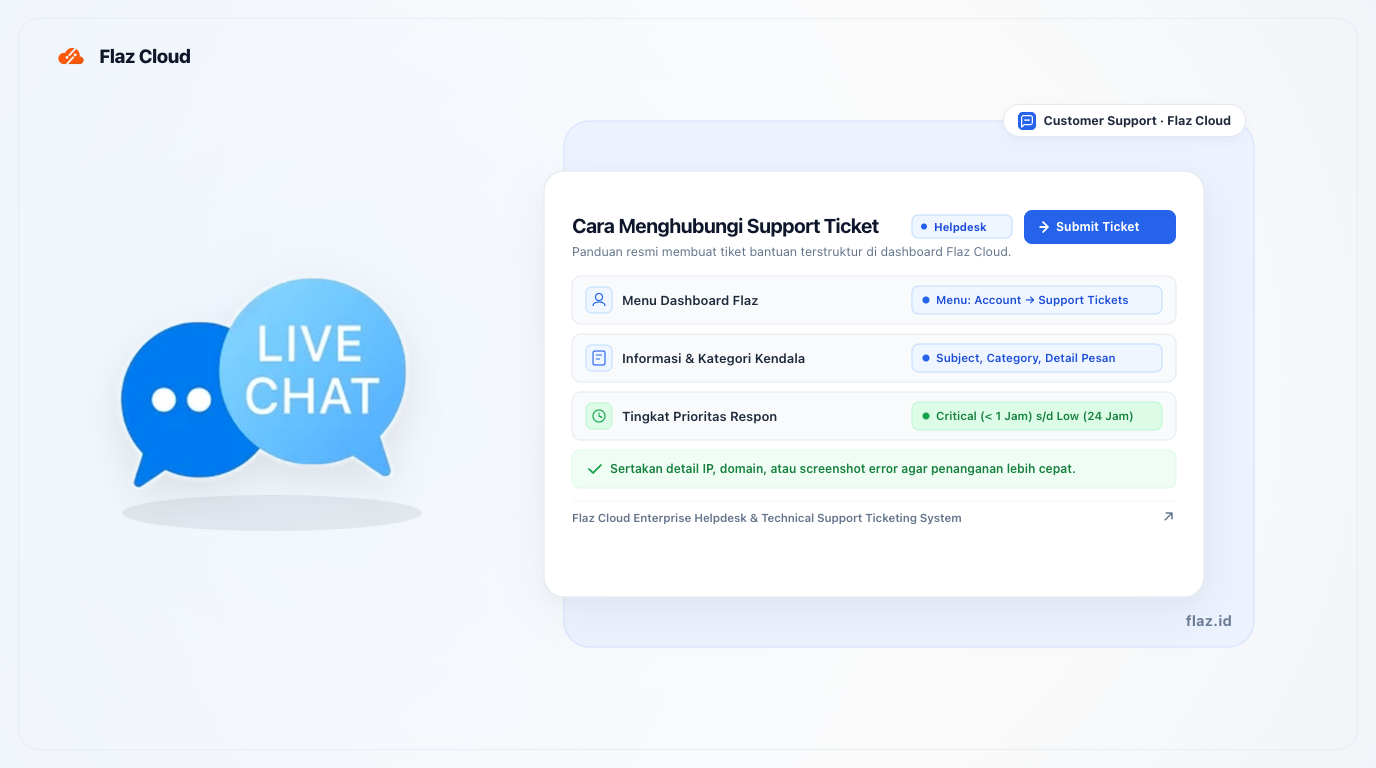
Encountering issues while setting up your server? Don't worry, learn how to create a support ticket at Flaz Cloud so our expert team can quickly provide the best solution for you.
Sometimes you hit a roadblock while setting up your server or domain. Don't worry, our support team is always ready to help you find a way out of every problem that arises. We want to ensure that every obstacle you face is resolved quickly so your activities aren't disrupted for long.
There are two main ways to reach us. You can use the Live Chat in the bottom right corner of your screen for live chat.
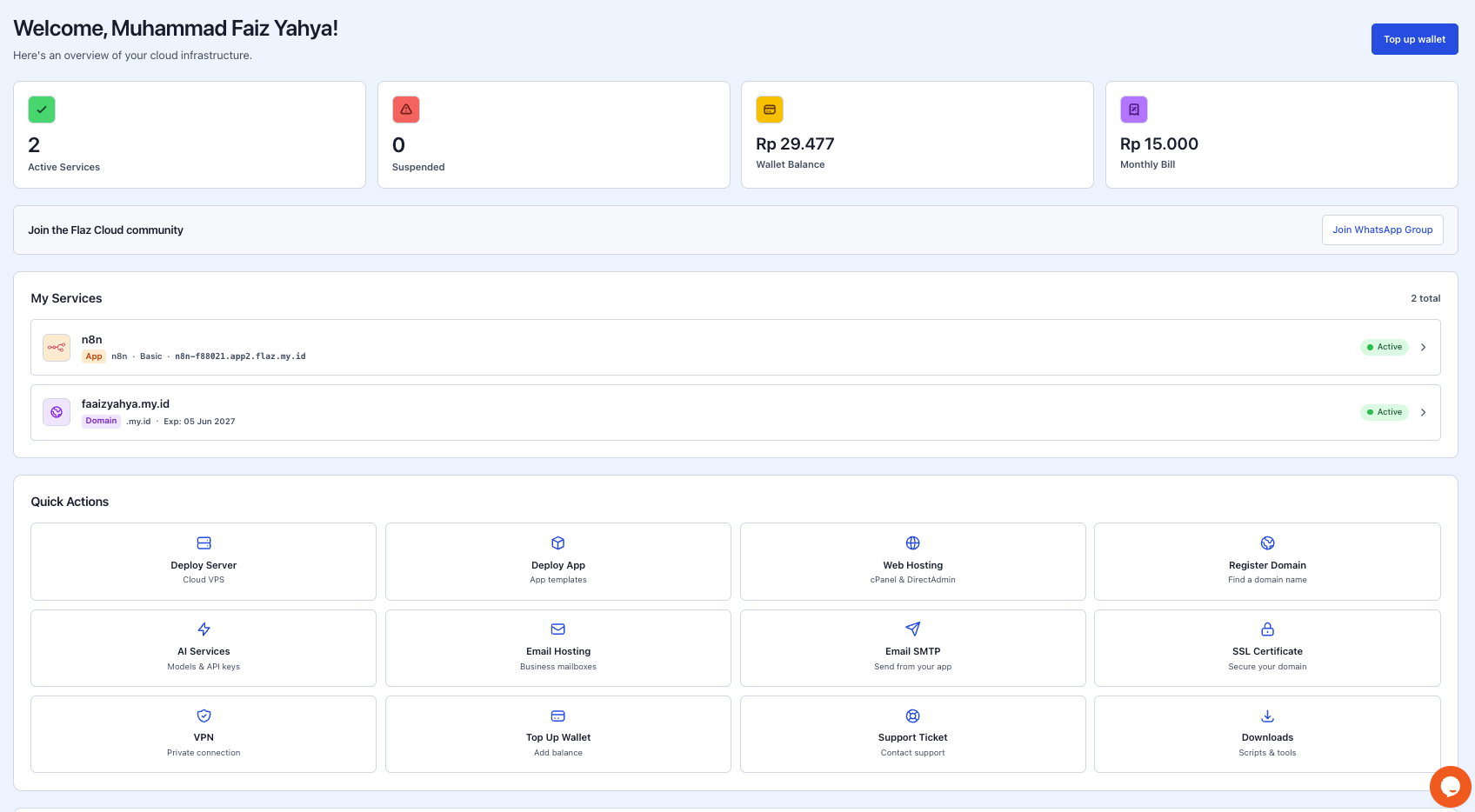
However, if the issue requires deeper investigation, creating a support ticket is the best way to ensure all conversations are documented neatly.
How to Create a New Support Ticket
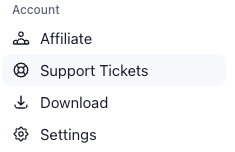
To start sending messages through a ticket, please log in to your account dashboard. In the menu row on the left, click the Account menu and then select Support Tickets.
If this is your first time requesting help, click the Create Your First Ticket button.
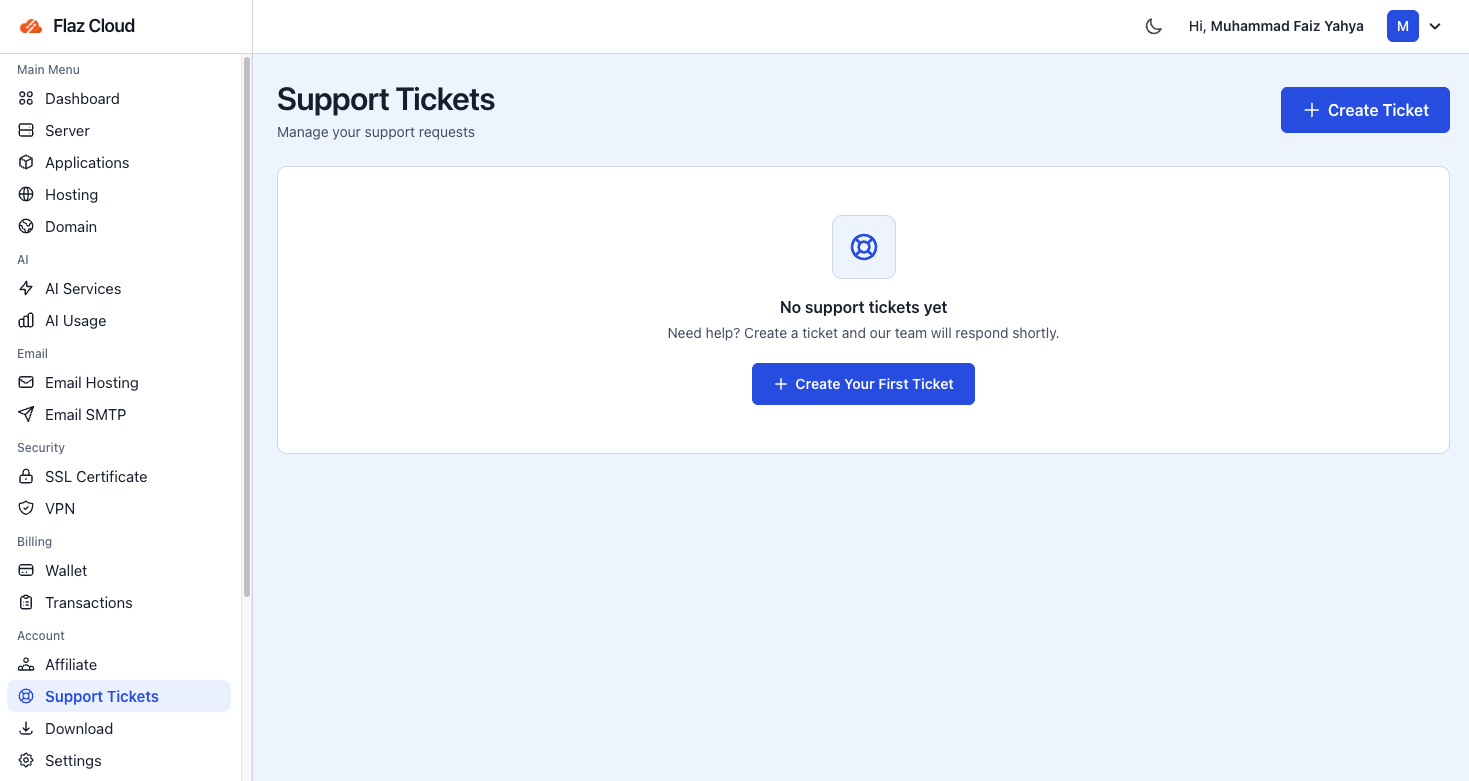
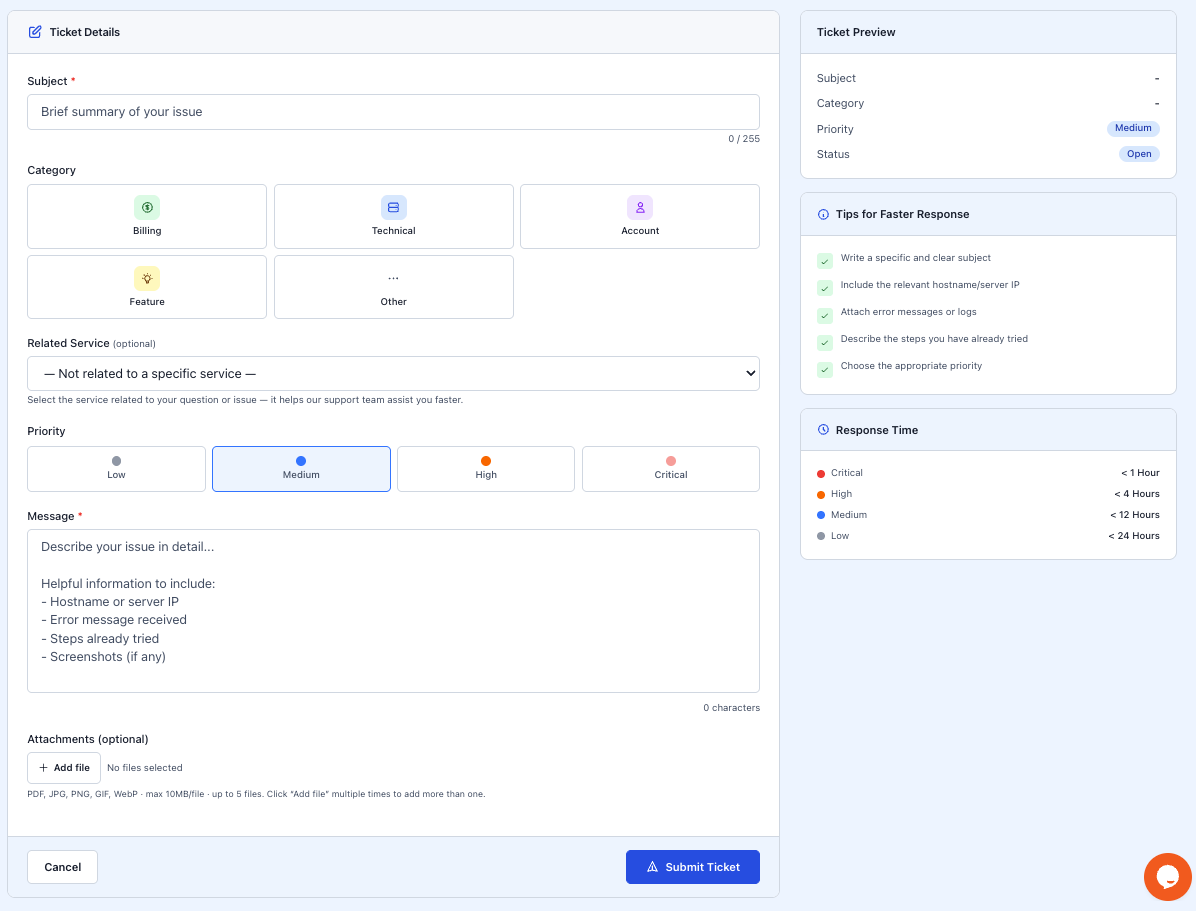
On that page, you need to fill in a few things so our team can get to work right away:
-
Subject: Write a short title about what happened. Example: "Unable to Login to Hosting Panel".
-
Category: Choose the appropriate category. There are options for Billing for payment matters, Technical for server issues, or Account for personal data matters.
-
Priority: Determine how urgent your issue is. Select Critical if your service is completely down and needs immediate assistance.
-
Message: Write a complete description of your issue.
If you don't have an account yet, please follow How to Register a Flaz Cloud Account so you can send official messages to our team.
Tips to Resolve Your Issue Quickly
We want to help you as quickly as possible. So our team doesn't need to ask repeatedly, it's best to include supporting data in your message. Include the server IP address or domain name that's having problems. If an error message appears, please copy the text or provide a screenshot so we can see what's actually happening.
Also tell us what steps you've already tried. This helps us avoid suggesting the same thing and focus directly on other more effective solutions. Make sure your email is correct by checking How to Verify Your Flaz Cloud Account Email so our reply notifications don't go to the wrong place.
Understanding Response Wait Times
Our team works hard to reply to every message according to the urgency level you select. Here's a guide to response times you can use as reference:
-
Critical: We usually reply in less than 1 hour because this involves services that are completely inaccessible.
-
High: We aim to resolve within less than 4 hours.
-
Medium: Response time is around 12 hours, suitable for questions that aren't too urgent.
-
Low: Replies will be sent within a maximum of 24 hours.
After you click the Submit Ticket button, you can monitor our support progress through the same page. Whenever there's a new reply, the system will send a notification so you can check it right away. We're happy to help you make every digital plan easier to achieve.
Was this article helpful?