
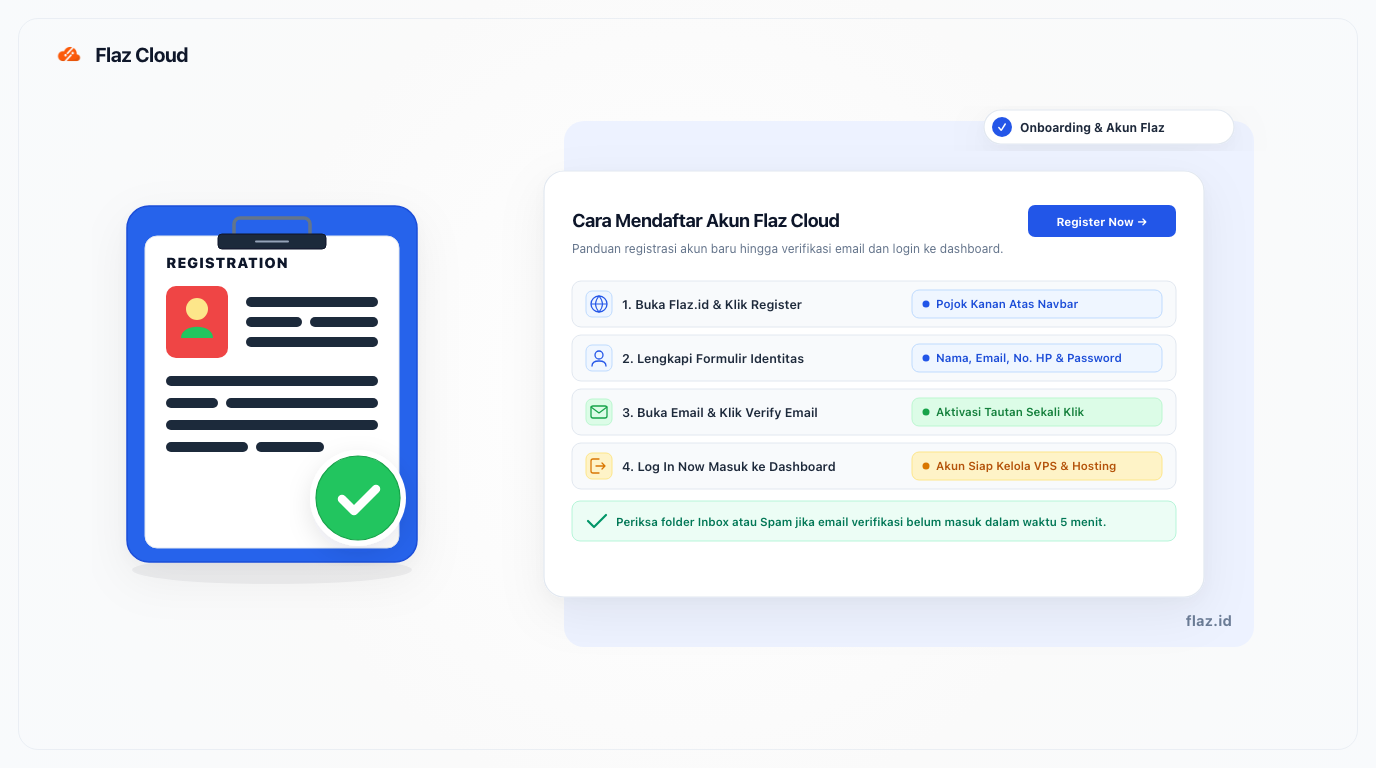
Want to start using Flaz Cloud services? Follow this easy account registration guide. From filling in your personal data to email verification so your account is activated quickly.
Here is a complete guide to help you create an account at Flaz Cloud so you can start enjoying our services right away.
Starting a new adventure in the world of hosting or VPS can sometimes feel confusing if the registration process is complicated. We want to make sure you can get started right away without getting stuck in lengthy administrative matters.
This account creation process is very simple and only takes a few minutes until your account is fully ready to use. Please follow the steps below.
Going to the Registration Page
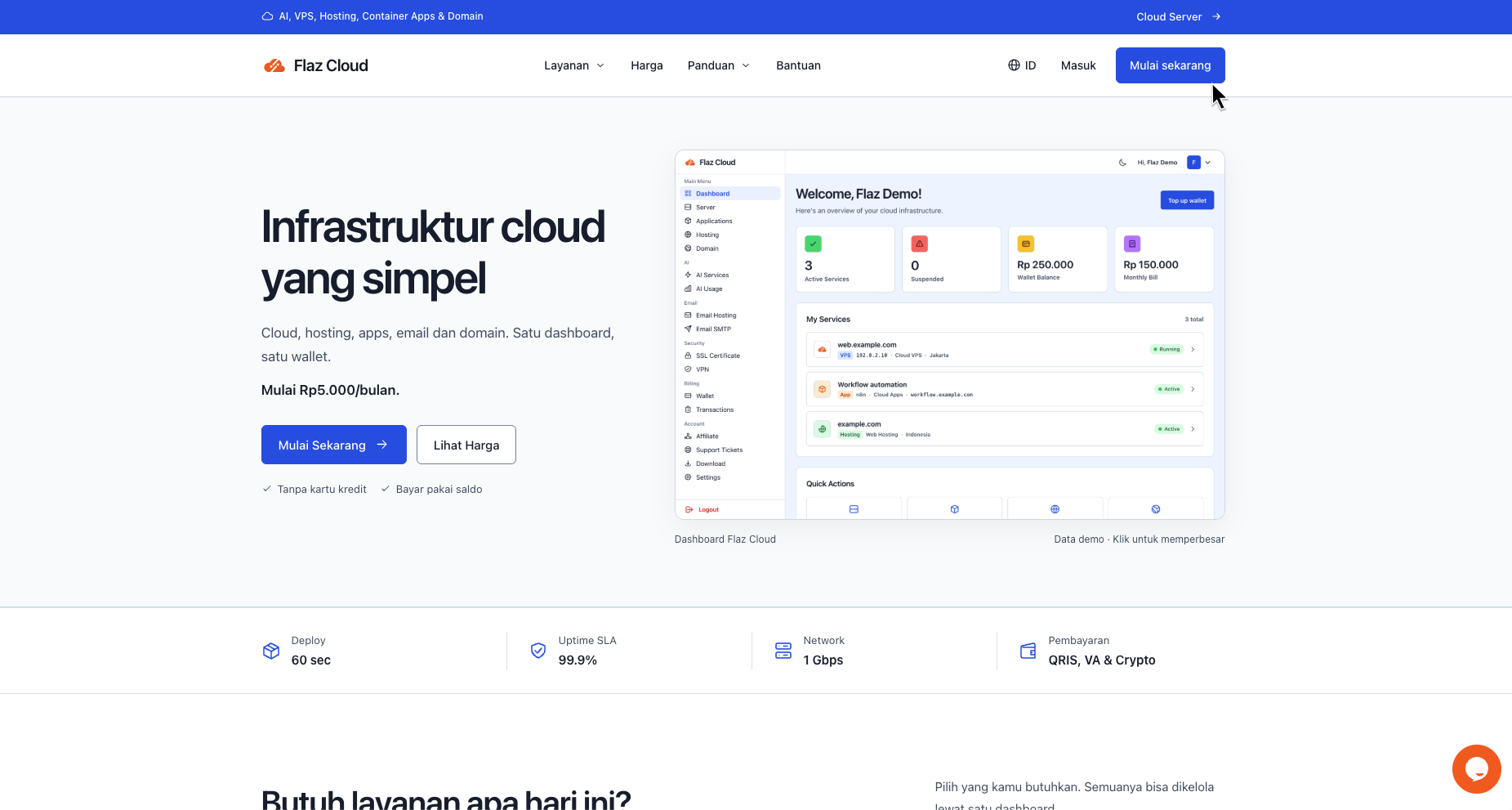
The first step you need to do is open our official website at Flaz.id. After the page opens, pay attention to the top right corner of the navbar. You will find a button labeled Register. Click that button to open the new account registration form.
Filling in Account Data
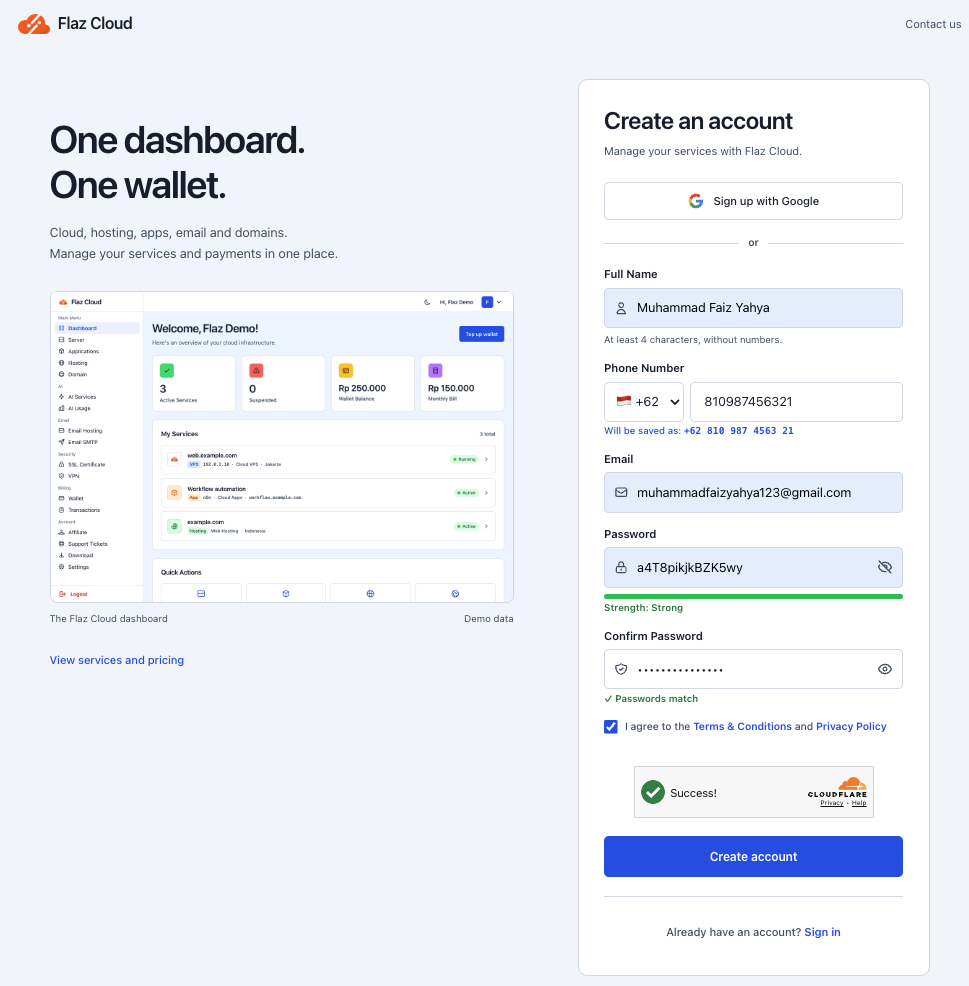
After entering the registration page you will see several identity fields that must be filled in. Please enter your full name in the available field. Also enter an active phone number and email address.
Make sure you create a password that is difficult for others to guess but still easy for you to remember. Before pressing the register button, don't forget to check the box agreeing to our service terms and privacy policy. This indicates that you agree with how our service works.
Performing Email Verification
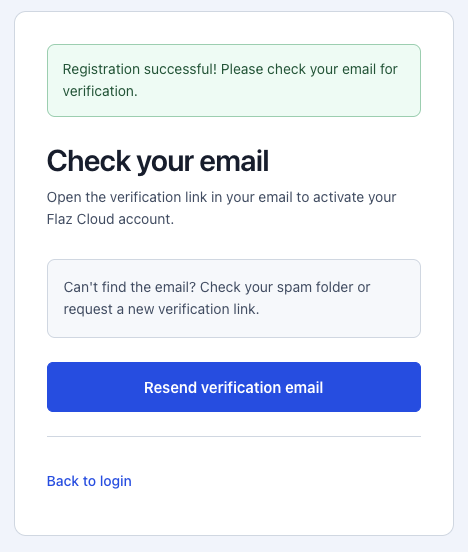
Once you finish filling out the form, a notification will appear that your registration was successful. However, you cannot log in directly because the account needs to be activated first. Please open the inbox of the email you registered earlier.
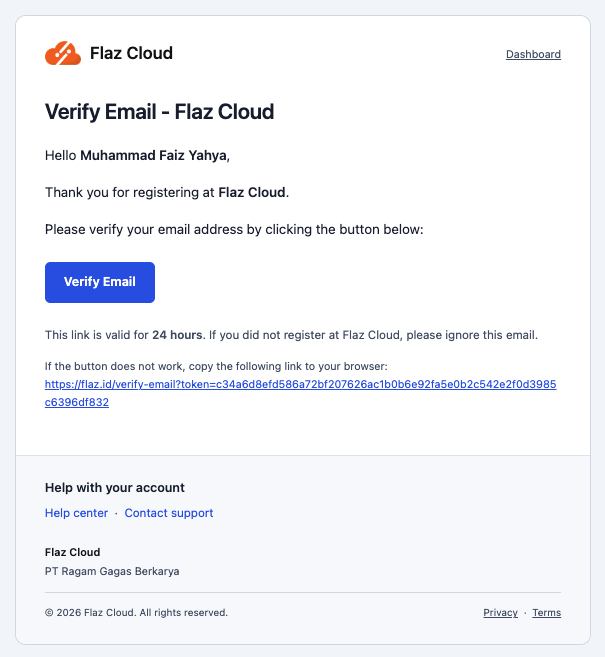
Look for a message from us that contains activation instructions. In that email you just need to press the Verify Email button. If that message doesn't appear in your main inbox, it's a good idea to check your spam folder.
Logging into Your Account
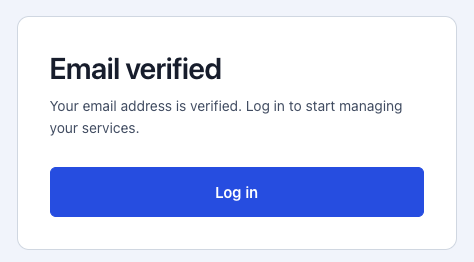
After you press the verification button in the email, you will automatically be directed to our website. You will see a message stating that the email has been successfully verified and your account is now fully active.
Now you just need to press the Log In Now button to log in using the email and password you created earlier. From within this dashboard you are free to choose and manage various services ranging from VPS to domains according to your needs.
Important Note
If you do not receive a verification email within more than five minutes, please try refreshing the page or contact our Live Chat. Also make sure there are no typos in your email address when registering so that the activation link delivery process runs smoothly.
Was this article helpful?