
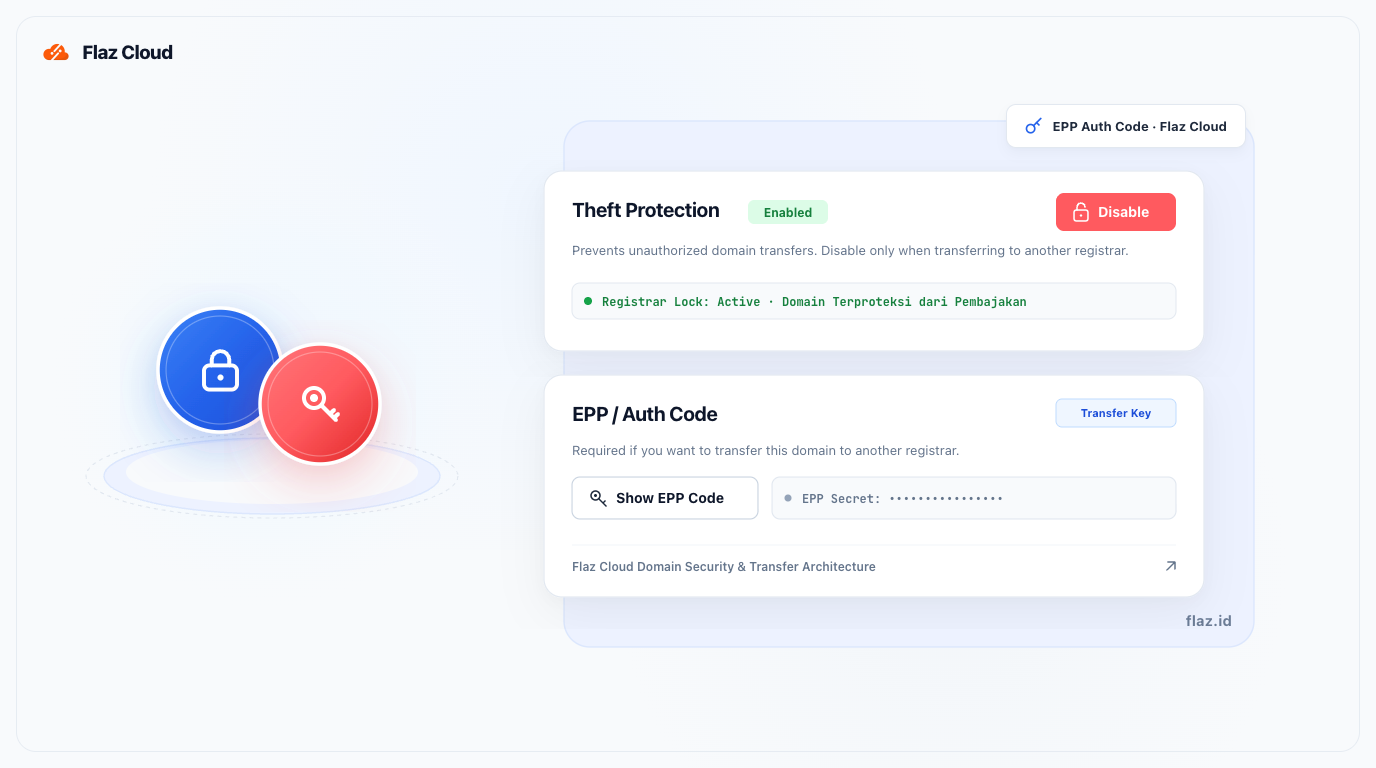
Need an EPP code to transfer your domain? Learn how to easily view your domain's Auth Code in the Flaz Cloud dashboard with just a few simple steps.
The EPP code, often referred to as the Auth Code, is the secret key you need when you want to transfer domain management to another provider. This code serves as valid proof that you are the domain owner and authorize the transfer process.
Without this code, your domain cannot be pulled by anyone, so your domain security remains protected. At Flaz Cloud, you can obtain this code independently through the dashboard without having to wait for manual Technical Support assistance.
Step 1: Select Your Domain
First, please log in to your Flaz Cloud account. In the menu on the left side, click on Domain. You will see a list of domains you currently own. Click on the domain name for which you want to retrieve the secret code.
If you just joined and don't have an account yet, you can follow How to Register a Flaz Cloud Account to access the main dashboard. Don't forget to verify your email by checking How to Verify Your Flaz Cloud Account Email since all important notifications will be sent there.
Step 2: Disable Domain Lock (Theft Protection)
Before you can view the EPP code, you must ensure that the Theft Protection feature or domain lock is disabled. If the status is still active (Enabled), the domain transfer process will usually fail even if you enter the correct code.
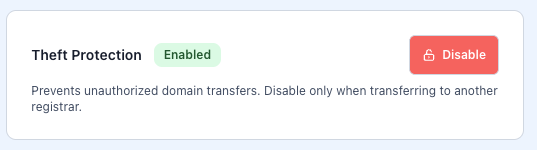
Scroll down your screen until you find the box labeled Theft Protection. Click the Disable button to change the status to inactive.
Make sure the button has changed color to red and the description shows that protection has been disabled.
Step 3: View the EPP Code
After the domain lock is open, look for the section named EPP / Auth Code. There you will see a button labeled Show EPP Code.
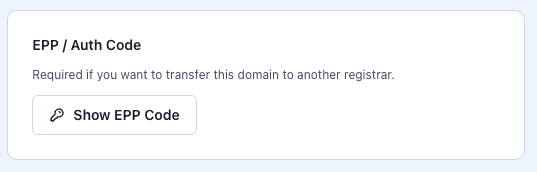
Click that button and the system will display a series of unique characters consisting of letters and numbers.
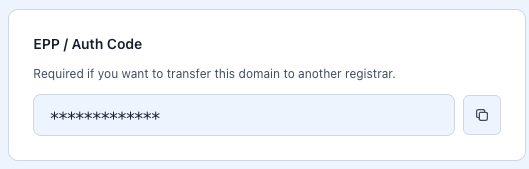
Please copy the code and save it in your personal notes. This is the code you will enter at your new domain provider when requested.
Important Notes
Please remember that the EPP code is highly confidential. Never give this code to anyone unless you intend to transfer that domain. If you only want to make technical settings such as changing an IP address, you don't need this code.
Additionally, according to ICANN's global rules, domains that were newly registered or recently transferred within less than 60 days cannot have their EPP code retrieved for transfer again. Also make sure your domain is not in a grace period or expired so the process runs smoothly.
If the code doesn't appear after you click the button, try refreshing (refresh) your browser page or make sure your internet connection is stable. If you still have issues, please contact the Flaz Cloud support team so we can help you with further investigation.
Was this article helpful?